Garmin Varia RearVue 820: Button, Status LED, USB-C Port and How to Turn It On, Off and Into Standby
HardReset.Info ·
You’ll learn how to operate the GARMIN Varia RearVue 820 radar unit in this video. You'll turn the device on with a one-second press of the top power button, and turn it off by holding that same button for two seconds. To pair the radar with your computer, hold the power button until the LED indicator blinks purple; once connected, the light flashes blue. I also explain that the unit enters standby mode automatically when the connected computer is turned off, rather than via a manual button press. You'll find the USB-C port under the rear lid for charging or software updates, and you can cycle through lighting modes using the power button. How to turn on GARMIN Varia RearVue 820? How to pair GARMIN Varia RearVue 820 with computer? Where is the USB-C port on GARMIN Varia RearVue 820? 0:00 Intro - overview of GARMIN Varia RearVue 820 features 0:20 Power on - short press button for one second 0:33 Power off - hold button for two seconds 0:44 Pairing mode - hold power button to connect 1:53 Charging and updates - access USB-C port 2:28 Lighting modes - switch between dynamic and static 2:58 Outro - subscribe, like and comment
More Varia RearVue 820 videos
 【Varia RearVue 820】進化したレーダーテールライトGarmin Japan · Mon, 28 Sep 2026
 Coospo TR70 vs Garmin Varia RearVue 820 - Is the Cheaper Radar Light Worth It?Bike Zone · Mon, 21 Sep 2026
 All Five Light Modes on the Garmin Varia RearVue 820HardReset.Info · Wed, 16 Sep 2026
 GARMIN Varia RearVue 820 – UnboxingHardReset.Info · Wed, 16 Sep 2026
 GARMIN Varia RearVue 820 – How to Pair with Varia AppHardReset.Info · Wed, 16 Sep 2026
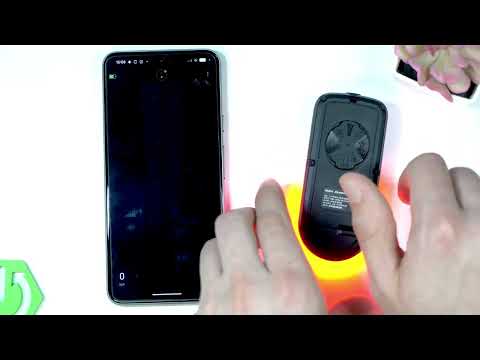 Demo Mode on the Garmin Varia RearVue 820: See the Radar Work Without Any TrafficHardReset.Info · Wed, 16 Sep 2026
 GARMIN Varia RearVue 820 – How to Create Custom Light PatternHardReset.Info · Sat, 12 Sep 2026
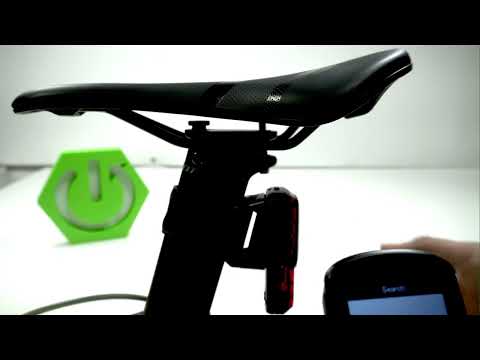 Garmin Varia RearVue 820 + Edge 540 — Pairing the Radar and Setting Up AlertsHardReset.Info · Sat, 12 Sep 2026