GARMIN Varia RearVue 820 – How to Create Custom Light Pattern
HardReset.Info ·
Want to make your GARMIN Varia RearVue 820 flash exactly how you want? In this video I show you how to create a custom light pattern using the Varia app so you can get noticed on the road. You'll start by opening the app and tapping the three dots in the top right corner, then navigating to Devices to select your unit. From there, choose Light Mode and click the plus sign to add a new pattern. You can set it to Solid or Flash with specific brightness (10% to 100%) and duration values. After saving the pattern and enabling it, you'll see how to rearrange its position in the cycle for easy access via the button. How to create custom light pattern on GARMIN Varia RearVue 820? Where is Light Mode in GARMIN Varia app? Can I change brightness of flash on GARMIN Varia RearVue 820? 0:00 Intro - creating custom light patterns for Varia 820 0:29 Edit light pattern settings and brightness 0:59 Set flash duration to half a second 1:29 Add additional flashes to the sequence 1:59 Enable and rename the custom light pattern 2:13 Adjust position in the light mode cycle 2:29 Outro - like and subscribe
More Varia RearVue 820 videos
 【Varia RearVue 820】進化したレーダーテールライトGarmin Japan · Mon, 28 Sep 2026
 Coospo TR70 vs Garmin Varia RearVue 820 - Is the Cheaper Radar Light Worth It?Bike Zone · Mon, 21 Sep 2026
 All Five Light Modes on the Garmin Varia RearVue 820HardReset.Info · Wed, 16 Sep 2026
 GARMIN Varia RearVue 820 – UnboxingHardReset.Info · Wed, 16 Sep 2026
 GARMIN Varia RearVue 820 – How to Pair with Varia AppHardReset.Info · Wed, 16 Sep 2026
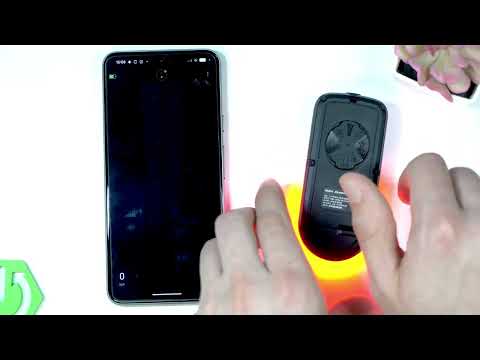 Demo Mode on the Garmin Varia RearVue 820: See the Radar Work Without Any TrafficHardReset.Info · Wed, 16 Sep 2026
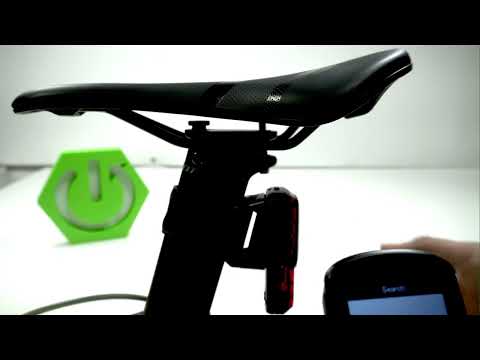 Garmin Varia RearVue 820 + Edge 540 — Pairing the Radar and Setting Up AlertsHardReset.Info · Sat, 12 Sep 2026
 How to Pair the Garmin Varia RearVue 820 with the Varia App on Your PhoneHardReset.Info · Sat, 12 Sep 2026