How to Pair the Garmin Varia RearVue 820 with the Varia App on Your Phone
HardReset.Info ·
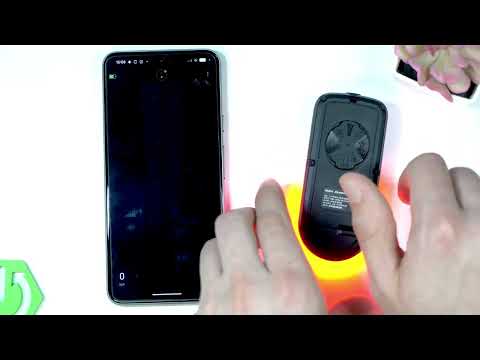
You'll be able to pair your GARMIN Varia RearVue 820 with the Varia app on your phone so you can customize active modes, check light modes, change device settings, and check for software updates. You'll download the app from the Google Play Store or App Store, open it, and tap Get Started to accept permissions. To make the radar findable, press and hold the power button for about 2 seconds until the LED indicator blinks blue or purple, then tap Connected in the app. How to pair GARMIN Varia RearVue 820 with phone? How to put GARMIN Varia RearVue 820 into pairing mode? Where is GARMIN Varia RearVue 820 in the app? 0:00 Intro - pairing the GARMIN Varia RearVue 820 0:18 Search for the Vari application 0:51 Put the device into pairing mode 1:07 Tap Connected and wait for pairing 1:19 Customize the new radar settings 1:47 Check light modes and device settings 1:58 Outro - like and subscribe
More Varia RearVue 820 videos
 【Varia RearVue 820】進化したレーダーテールライトGarmin Japan · Mon, 28 Sep 2026
 Coospo TR70 vs Garmin Varia RearVue 820 - Is the Cheaper Radar Light Worth It?Bike Zone · Mon, 21 Sep 2026
 All Five Light Modes on the Garmin Varia RearVue 820HardReset.Info · Wed, 16 Sep 2026
 GARMIN Varia RearVue 820 – UnboxingHardReset.Info · Wed, 16 Sep 2026
 GARMIN Varia RearVue 820 – How to Pair with Varia AppHardReset.Info · Wed, 16 Sep 2026
 Demo Mode on the Garmin Varia RearVue 820: See the Radar Work Without Any TrafficHardReset.Info · Wed, 16 Sep 2026
 GARMIN Varia RearVue 820 – How to Create Custom Light PatternHardReset.Info · Sat, 12 Sep 2026
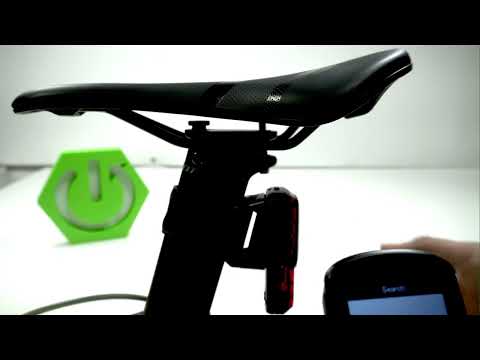 Garmin Varia RearVue 820 + Edge 540 — Pairing the Radar and Setting Up AlertsHardReset.Info · Sat, 12 Sep 2026