Demo Mode on the Garmin Varia RearVue 820: See the Radar Work Without Any Traffic
HardReset.Info ·
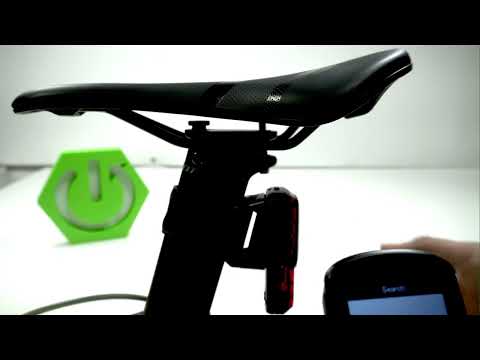
In this video I show how to activate Demo Mode on your Varia so you can observe simulated traffic approaching from behind without needing a real road test. Connect the device to your smartphone via the Varia app (available on Google Play Store or App Store) and ensure it is paired. Turn off the unit by holding the power button, then re-enable it by holding the key for 7 seconds until the LED blinks green and amber. This triggers Demo Mode, displaying artificial vehicles so you can see how the device works in practice while still adjusting the light mode. To disable Demo Mode, press and hold the power button for 3 seconds or longer until the device turns off. How to activate Demo Mode on Varia? How to turn on Varia Demo Mode? How to disable Varia Demo Mode? 0:00 Intro - activating Varia Demo Mode 0:12 Downloading and pairing the app 0:48 Holding power key for 7 seconds 1:09 Observing artificially created vehicles 1:43 Adjusting light mode in Demo Mode 1:55 Disabling Demo Mode with power button 2:34 Outro - like and subscribe
More Varia RearVue 820 videos
 【Varia RearVue 820】進化したレーダーテールライトGarmin Japan · Mon, 28 Sep 2026
 Coospo TR70 vs Garmin Varia RearVue 820 - Is the Cheaper Radar Light Worth It?Bike Zone · Mon, 21 Sep 2026
 All Five Light Modes on the Garmin Varia RearVue 820HardReset.Info · Wed, 16 Sep 2026
 GARMIN Varia RearVue 820 – UnboxingHardReset.Info · Wed, 16 Sep 2026
 GARMIN Varia RearVue 820 – How to Pair with Varia AppHardReset.Info · Wed, 16 Sep 2026
 GARMIN Varia RearVue 820 – How to Create Custom Light PatternHardReset.Info · Sat, 12 Sep 2026
 Garmin Varia RearVue 820 + Edge 540 — Pairing the Radar and Setting Up AlertsHardReset.Info · Sat, 12 Sep 2026
 How to Pair the Garmin Varia RearVue 820 with the Varia App on Your PhoneHardReset.Info · Sat, 12 Sep 2026