GARMIN Varia RearVue 820 – How to Pair with Varia App
HardReset.Info ·
Pairing your GARMIN Varia RearVue 820 requires the dedicated Varia app, not the Garmin Connect app. In this video I show you how to get it connected by opening the Varia app and tapping "Let's get started," then selecting "Connect." You'll need to ensure the light is powered on by pressing and holding the button until it turns on before connecting via Bluetooth. If you encounter an error, turn the device off and press and hold the button again until a purple light starts flashing to reset the pairing mode before connecting via Bluetooth. How to pair GARMIN Varia RearVue 820 with app? Why does Garmin Connect not work for Varia RearVue 820? What to do if VARIA RearVue 820 shows an error during pairing? 0:00 Clicking Connect in the app menu 1:08 Turning on the device by holding the button 1:19 Troubleshooting initial pairing errors 1:27 Resetting the device for Bluetooth pairing 1:43 Confirming the Bluetooth connection request 1:56 Finalizing setup and starting to use the device 2:16 Outro - thank you for watching
More Varia RearVue 820 videos
 【Varia RearVue 820】進化したレーダーテールライトGarmin Japan · Mon, 28 Sep 2026
 Coospo TR70 vs Garmin Varia RearVue 820 - Is the Cheaper Radar Light Worth It?Bike Zone · Mon, 21 Sep 2026
 All Five Light Modes on the Garmin Varia RearVue 820HardReset.Info · Wed, 16 Sep 2026
 GARMIN Varia RearVue 820 – UnboxingHardReset.Info · Wed, 16 Sep 2026
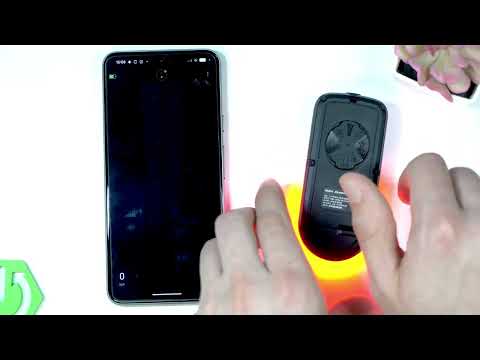 Demo Mode on the Garmin Varia RearVue 820: See the Radar Work Without Any TrafficHardReset.Info · Wed, 16 Sep 2026
 GARMIN Varia RearVue 820 – How to Create Custom Light PatternHardReset.Info · Sat, 12 Sep 2026
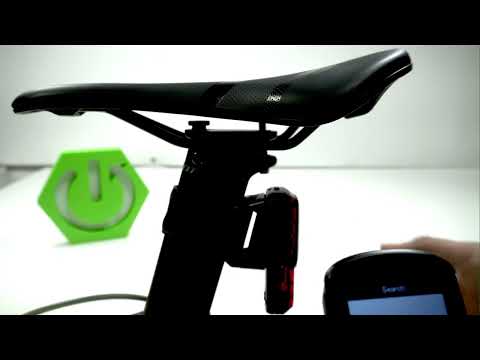 Garmin Varia RearVue 820 + Edge 540 — Pairing the Radar and Setting Up AlertsHardReset.Info · Sat, 12 Sep 2026
 How to Pair the Garmin Varia RearVue 820 with the Varia App on Your PhoneHardReset.Info · Sat, 12 Sep 2026