All Five Light Modes on the Garmin Varia RearVue 820
HardReset.Info ·
In this video I show how switching between light modes on your GARMIN Varia RearVue 820 changes how the taillight behaves and its brightness level. You'll press the button to cycle through five distinct modes: Solid (high brightness), Peloton (lower brightness for groups), Night Flash (alternates low and high without fully turning off), Day Flash (continuous flashing on and off), and Technically Off. In the Technically Off mode, the radar still operates normally and the light will automatically turn on when the radar detects a vehicle approaching behind you or if you move the device. How to switch light modes on GARMIN Varia RearVue 820? How to change brightness settings on GARMIN Varia RearVue 820? Does GARMIN Varia RearVue 820 light turn off completely? 0:00 Intro - switching light modes on Varia 820 0:12 Solid mode - high brightness explanation 0:43 Peloton mode - lower brightness setting 0:58 Night flash mode - alternating pattern 1:23 Day flash mode - vehicle detection 1:50 Off mode - radar still active 2:37 Automatic activation triggers - hold or fall 3:13 Outro - like and subscribe
More Varia RearVue 820 videos
 【Varia RearVue 820】進化したレーダーテールライトGarmin Japan · Mon, 28 Sep 2026
 Coospo TR70 vs Garmin Varia RearVue 820 - Is the Cheaper Radar Light Worth It?Bike Zone · Mon, 21 Sep 2026
 GARMIN Varia RearVue 820 – UnboxingHardReset.Info · Wed, 16 Sep 2026
 GARMIN Varia RearVue 820 – How to Pair with Varia AppHardReset.Info · Wed, 16 Sep 2026
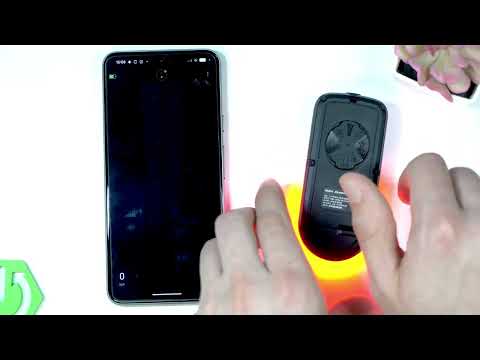 Demo Mode on the Garmin Varia RearVue 820: See the Radar Work Without Any TrafficHardReset.Info · Wed, 16 Sep 2026
 GARMIN Varia RearVue 820 – How to Create Custom Light PatternHardReset.Info · Sat, 12 Sep 2026
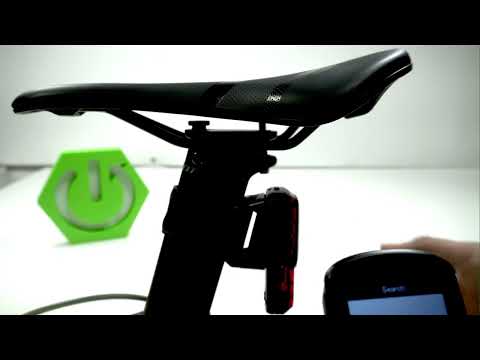 Garmin Varia RearVue 820 + Edge 540 — Pairing the Radar and Setting Up AlertsHardReset.Info · Sat, 12 Sep 2026
 How to Pair the Garmin Varia RearVue 820 with the Varia App on Your PhoneHardReset.Info · Sat, 12 Sep 2026