Garmin Varia RearVue 820 Unboxing: What's in the Box
HardReset.Info ·
You'll be able to unbox and set up the GARMIN Varia RearVue 820 radar unit in this video. You will find the plastic grip mount, three silicon pads for different seat post sizes, two rubber bands (small and large), and a USB-C cable inside the box. I demonstrate pressing the power button to activate the device or holding it down for about two seconds until the purple blinking LED indicates pairing mode. You can also update software via computer or the GARMIN app on your smartphone. How to unbox the GARMIN Varia RearVue 820? How to pair the GARMIN Varia RearVue 820 radar unit? How to update GARMIN Varia RearVue 820 software? 0:00 Intro - unboxing the GARMIN Varia RearVue 820 0:26 Mounting bracket and radar unit overview 0:52 Power button and pairing mode activation 1:21 Choosing the correct silicon pad for your seat post 2:13 Using rubber bands for different post sizes 2:40 USB-C charging and software update options 3:06 Pairing and mounting instruction manual review 4:05 Outro - like and subscribe
More Varia RearVue 820 videos
 【Varia RearVue 820】進化したレーダーテールライトGarmin Japan · Mon, 28 Sep 2026
 Coospo TR70 vs Garmin Varia RearVue 820 - Is the Cheaper Radar Light Worth It?Bike Zone · Mon, 21 Sep 2026
 All Five Light Modes on the Garmin Varia RearVue 820HardReset.Info · Wed, 16 Sep 2026
 GARMIN Varia RearVue 820 – UnboxingHardReset.Info · Wed, 16 Sep 2026
 GARMIN Varia RearVue 820 – How to Pair with Varia AppHardReset.Info · Wed, 16 Sep 2026
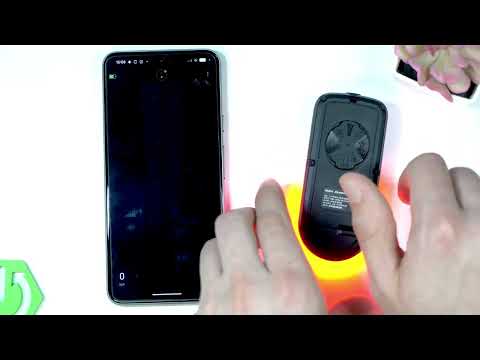 Demo Mode on the Garmin Varia RearVue 820: See the Radar Work Without Any TrafficHardReset.Info · Wed, 16 Sep 2026
 GARMIN Varia RearVue 820 – How to Create Custom Light PatternHardReset.Info · Sat, 12 Sep 2026
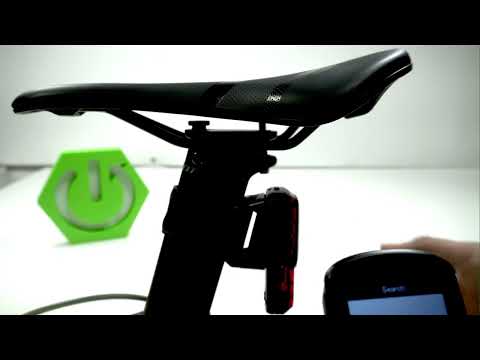 Garmin Varia RearVue 820 + Edge 540 — Pairing the Radar and Setting Up AlertsHardReset.Info · Sat, 12 Sep 2026