AMAZFIT Active 2 Square – How to Change Watch Faces
HardReset.Info ·
Want to give your AMAZFIT Active 2 Square a fresh look? In this video, we show you how to change watch faces on the AMAZFIT Active 2 Square using the Zepp app on your phone. You will see where to find the watch face section, how to browse the available designs (some are free, some are paid), and how to sync your favorite one to your smartwatch. The whole process takes less than a minute, so you can customize your AMAZFIT Active 2 Square and personalize its display in just a few taps. How to change watch faces on AMAZFIT Active 2 Square? How to set a new watch face on AMAZFIT Active 2 Square using the Zepp app? Where to find free watch faces for AMAZFIT Active 2 Square? 0:00 Introduction 0:15 Open the Zepp app and go to Device 0:21 Find the watch faces section 0:27 Choose a free or paid watch face 0:33 Sync and enable the new watch face 0:40 Final result
More Active 2 Square videos
 AMAZFIT Active 2 Square – How to Customize Widget MenuHardReset.Info · Sun, 01 Nov 2026
 AMAZFIT Active 2 Square – How to Change Screen TimeoutHardReset.Info · Thu, 29 Oct 2026
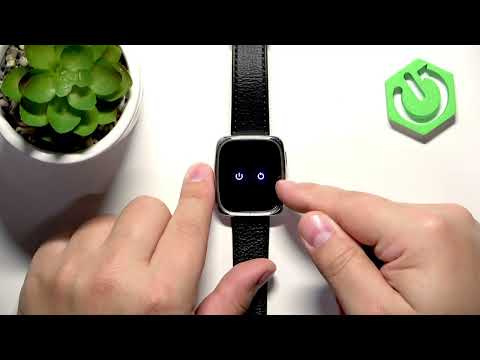 AMAZFIT Active 2 Square – How to Soft ResetHardReset.Info · Thu, 29 Oct 2026
 AMAZFIT Active 2 Square – How to Set Up Alarm ClockHardReset.Info · Thu, 29 Oct 2026
 AMAZFIT Active 2 Square – How to Change Screen BrightnessHardReset.Info · Thu, 29 Oct 2026
 Amazfit Active 2 Square vs Bip6 - comparison with square phonesTecnoRadar · Thu, 14 May 2026
 How to Use: Amazfit Active 2 Square | Setup Guide & Hidden FeaturesFlicky Facts · Wed, 21 Jan 2026
 Why is EVERYONE BUYING this SQUARE SMARTWATCH!? // Amazfit Active 2 SquareEscolhaSegura · Thu, 01 Jan 2026