AMAZFIT Active 2 Square – How to Change Screen Timeout
HardReset.Info ·
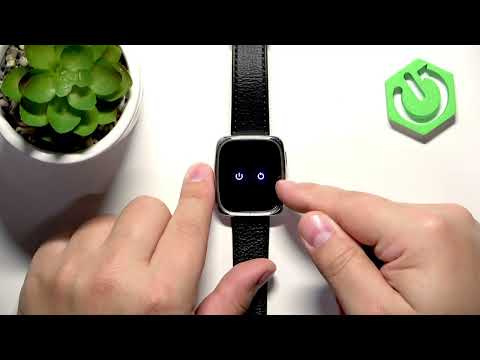
Want to control how long your screen stays on? In this video I show you how to change the screen timeout duration on your AMAZFIT Active 2 Square so the display stays on for exactly how long you need after you stop interacting with it. You'll wake the watch by pressing the upper button twice to open the menu, swipe to Settings, tap Display, and select Screen on Duration to choose from 5, 8, 15, 20, 25, or 30 seconds. I recommend 15 or 20 seconds because longer durations drain battery faster by keeping the screen active. How to change screen timeout on AMAZFIT Active 2 Square? What are the screen on duration options on AMAZFIT Active 2 Square? Does longer screen timeout use more battery on AMAZFIT Active 2 Square? 0:00 Intro - AMAZFIT Active 2 Square overview 0:27 Wake up the screen using the button 0:56 Battery impact of screen timeout duration 1:19 Selecting the preferred timeout value 1:41 Confirming the screen timeout setting 1:59 Outro - like and subscribe
More Active 2 Square videos
 AMAZFIT Active 2 Square – How to Change Watch FacesHardReset.Info · Sun, 08 Nov 2026
 AMAZFIT Active 2 Square – How to Customize Widget MenuHardReset.Info · Sun, 01 Nov 2026
 AMAZFIT Active 2 Square – How to Soft ResetHardReset.Info · Thu, 29 Oct 2026
 AMAZFIT Active 2 Square – How to Set Up Alarm ClockHardReset.Info · Thu, 29 Oct 2026
 AMAZFIT Active 2 Square – How to Change Screen BrightnessHardReset.Info · Thu, 29 Oct 2026
 Amazfit Active 2 Square vs Bip6 - comparison with square phonesTecnoRadar · Thu, 14 May 2026
 How to Use: Amazfit Active 2 Square | Setup Guide & Hidden FeaturesFlicky Facts · Wed, 21 Jan 2026
 Why is EVERYONE BUYING this SQUARE SMARTWATCH!? // Amazfit Active 2 SquareEscolhaSegura · Thu, 01 Jan 2026