AMAZFIT Active 2 Square – How to Change Screen Brightness
HardReset.Info ·
Want to know how to adjust the screen brightness on your AMAZFIT Active 2 Square? In this video I show you exactly how to do it. You'll wake the watch by pressing the upper button, then swipe down from the top of the screen to open the quick panel. Tap the sun icon to reveal the brightness slider. You can manually set the level by swiping on the slider with your finger, or enable auto brightness so the watch uses its sensor to change the brightness according to surrounding light automatically. How to adjust screen brightness on AMAZFIT Active 2 Square? How to change screen brightness on AMAZFIT Active 2 Square? Does AMAZFIT Active 2 Square have auto brightness? 0:00 Intro - what the AMAZFIT Active 2 Square does 0:13 Wake up screen and open brightness slider 0:28 Adjust brightness manually using the slider 0:36 Enable auto brightness for automatic adjustment 0:49 Return to watch face after setting brightness 0:57 Why auto brightness is useful for constant changes 1:05 Manual brightness stays fixed when auto is off 1:11 How to restore automatic brightness control 1:19 Summary of brightness adjustment steps 1:27 Outro - like and subscribe for more
More Active 2 Square videos
 AMAZFIT Active 2 Square – How to Change Watch FacesHardReset.Info · Sun, 08 Nov 2026
 AMAZFIT Active 2 Square – How to Customize Widget MenuHardReset.Info · Sun, 01 Nov 2026
 AMAZFIT Active 2 Square – How to Change Screen TimeoutHardReset.Info · Thu, 29 Oct 2026
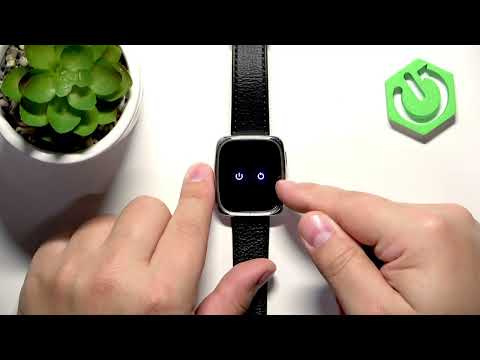 AMAZFIT Active 2 Square – How to Soft ResetHardReset.Info · Thu, 29 Oct 2026
 AMAZFIT Active 2 Square – How to Set Up Alarm ClockHardReset.Info · Thu, 29 Oct 2026
 Amazfit Active 2 Square vs Bip6 - comparison with square phonesTecnoRadar · Thu, 14 May 2026
 How to Use: Amazfit Active 2 Square | Setup Guide & Hidden FeaturesFlicky Facts · Wed, 21 Jan 2026
 Why is EVERYONE BUYING this SQUARE SMARTWATCH!? // Amazfit Active 2 SquareEscolhaSegura · Thu, 01 Jan 2026