GARMIN Quatix 7 – How to Change Watch Face
HardReset.Info ·
In this video you will learn how to change and customize the watch face on the GARMIN Quatix 7 step by step. I show how to open the menu, pick a template, apply it immediately or customize layout, seconds display, two data fields, accent and data colors, and background (white or black). This guide is simple and works for anyone who wants a more personal look for their Quatix 7 watch. How to change watch face on GARMIN Quatix 7? How to customize data fields and colors on GARMIN Quatix 7 watch face? How to access the watch face menu on GARMIN Quatix 7? 0:00 Intro – what we will change 0:25 Open the menu (press and hold the up/menu button) 0:54 Select Watch Face from the menu 1:23 Choose a template and apply or customize layout 1:50 Change seconds display and data fields 2:06 Pick data items (steps, battery, elevation, calories) 2:16 Change accent and data color 2:26 Change background color (white or black) and apply 2:42 Final look and closing
More quatix 7 videos
 Garmin Quatix 7 – All Tutorials, Setup, Tips & TricksHardReset.Info · Tue, 22 Sep 2026
 GARMIN Quatix 7 – How to Track CaloriesHardReset.Info · Fri, 10 Jul 2026
 Garmin Tactix 7 AMOLED vs Quatix 7 - AMOLED vs MIP Display TestHardReset.Info · Wed, 17 Jun 2026
 GARMIN Quatix 7 – Enable Phone Notifications on AndroidHardReset.Info · Wed, 10 Jun 2026
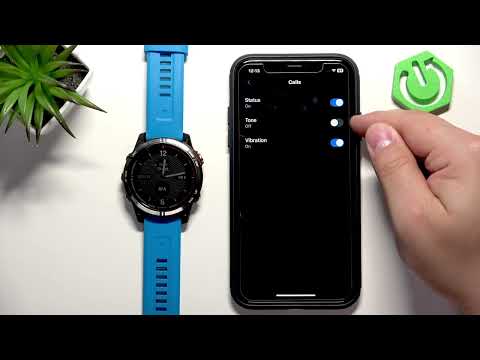 GARMIN Quatix 7 – How to Enable Phone Notifications on iPhoneHardReset.Info · Wed, 10 Jun 2026
 GARMIN Quatix 7 – How to Force RestartHardReset.Info · Wed, 10 Jun 2026
 GARMIN Quatix 7 – How to turn offHardReset.Info · Wed, 10 Jun 2026
 GARMIN Quatix 7 – How to Turn OnHardReset.Info · Wed, 10 Jun 2026