GARMIN Quatix 7 – How to Force Restart
HardReset.Info ·
In this short video we show how to force restart the GARMIN Quatix 7 watch when it becomes unresponsive, sluggish or frozen. You will see the exact button to press, how long to hold it, what to do if an emergency pop-up appears, and how to turn the watch back on safely so tracking and navigation work again. This quick fix often resolves freezes and unresponsiveness without data loss. How to force restart GARMIN Quatix 7? How to restart GARMIN Quatix 7 when frozen? Where is the Light button on GARMIN Quatix 7? 0:00 Intro – what a force restart does 0:30 Press and hold the Light button to start force restart 0:50 Keep holding through the emergency pop-up until screen goes dark 1:00 Release after the watch turns off 1:07 Turn the watch back on by holding the Light button 1:13 Wait for the Quatix logo and system reboot 1:26 Finished – device is back and troubleshooting tips
More quatix 7 videos
 Garmin Quatix 7 – All Tutorials, Setup, Tips & TricksHardReset.Info · Tue, 22 Sep 2026
 GARMIN Quatix 7 – How to Track CaloriesHardReset.Info · Fri, 10 Jul 2026
 GARMIN Quatix 7 – How to Change Watch FaceHardReset.Info · Mon, 29 Jun 2026
 Garmin Tactix 7 AMOLED vs Quatix 7 - AMOLED vs MIP Display TestHardReset.Info · Wed, 17 Jun 2026
 GARMIN Quatix 7 – Enable Phone Notifications on AndroidHardReset.Info · Wed, 10 Jun 2026
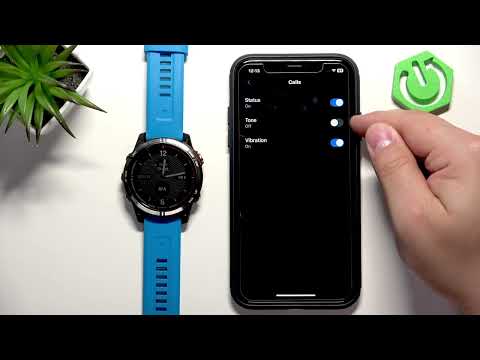 GARMIN Quatix 7 – How to Enable Phone Notifications on iPhoneHardReset.Info · Wed, 10 Jun 2026
 GARMIN Quatix 7 – How to turn offHardReset.Info · Wed, 10 Jun 2026
 GARMIN Quatix 7 – How to Turn OnHardReset.Info · Wed, 10 Jun 2026