SUUNTO Race 3S – How to Pair with iPhone
HardReset.Info ·
Want to connect your SUUNTO Race 3S to your iPhone? In this video, we show you how to pair the SUUNTO Race 3S watch with an iPhone step by step. We cover turning on the watch, choosing the language, setting up your profile, downloading the SUUNTO app from the App Store, logging in to your SUUNTO account, and completing the Bluetooth pairing. We also show how to fix the common pairing error that appears when the watch was already connected to the iPhone before. By the end, your SUUNTO Race 3S will be paired and syncing with your iPhone. How to pair SUUNTO Race 3S with iPhone? How to connect SUUNTO Race 3S to iPhone via Bluetooth? How to fix SUUNTO Race 3S pairing problem with iPhone? 0:00 Introduction 0:12 Turn on the watch 0:41 Choose language and set up your profile 1:08 Download the SUUNTO app 1:54 Log in to your SUUNTO account 3:22 Select the watch in the app 3:46 Fix pairing error if already paired with iPhone 4:04 Pair the watch and enter the code 4:50 Watch face and syncing with iPhone
More Suunto Race 3S videos
 Suunto Race 3S Review — $599 Titanium Trail Watch?! 38 Hours GPS + AI CoachWrist Theory · Tue, 10 Nov 2026
 SUUNTO RACE 3S มาใหม่อีกแล้วเหรอ!!!!PASS:ON · Mon, 09 Nov 2026
 SUUNTO Race 3S – 9 Tips & Tricks for BeginnersHardReset.Info · Sat, 07 Nov 2026
 New Suunto Race 3S GPS Sports Watch! Lightweight w/navigation. Sponsored Product FeatureVo2maxProductions · Fri, 06 Nov 2026
 SUUNTO Race 3S – How to Customize Button ShortcutsHardReset.Info · Thu, 05 Nov 2026
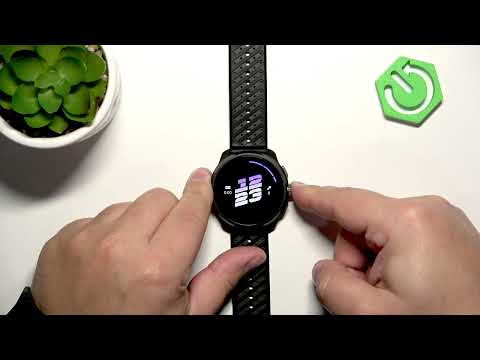 SUUNTO Race 3S – How to Change LanguageHardReset.Info · Wed, 04 Nov 2026
 SUUNTO Race 3S – How to Change Watch FaceHardReset.Info · Wed, 04 Nov 2026
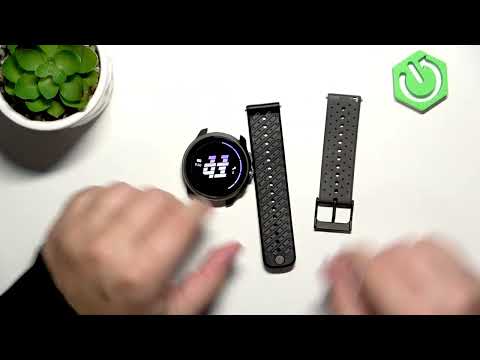 SUUNTO Race 3S – How to Change StrapsHardReset.Info · Wed, 04 Nov 2026