SUUNTO Race 3S – 9 Tips & Tricks for Beginners
HardReset.Info ·
Just got a SUUNTO Race 3S and want to get more out of it? In this video, we show you 9 useful tips and tricks for beginners. You will learn how to set up button shortcuts, customize widgets on the watch and in the Suunto app, and install new watch faces. We also cover how to download and use sports apps, control music from your watch, turn on the always-on display, find your phone, use the flashlight, and pin a widget to your home screen. These simple settings and hidden features will make your SUUNTO Race 3S more convenient and more personal. How to customize button shortcuts on SUUNTO Race 3S? How to install watch faces and sports apps on SUUNTO Race 3S? How to enable always-on display on SUUNTO Race 3S? 0:00 Introduction 0:13 Button shortcuts 1:47 Customize widgets (watch and Suunto app) 4:39 Install and manage watch faces 7:40 Install and use sports apps 12:48 Control music on watch and phone 16:03 Enable always-on display 17:00 Find my phone and flashlight 18:44 Pin a widget
More Suunto Race 3S videos
 Suunto Race 3S Review — $599 Titanium Trail Watch?! 38 Hours GPS + AI CoachWrist Theory · Tue, 10 Nov 2026
 SUUNTO RACE 3S มาใหม่อีกแล้วเหรอ!!!!PASS:ON · Mon, 09 Nov 2026
 New Suunto Race 3S GPS Sports Watch! Lightweight w/navigation. Sponsored Product FeatureVo2maxProductions · Fri, 06 Nov 2026
 SUUNTO Race 3S – How to Customize Button ShortcutsHardReset.Info · Thu, 05 Nov 2026
 SUUNTO Race 3S – How to Pair with iPhoneHardReset.Info · Wed, 04 Nov 2026
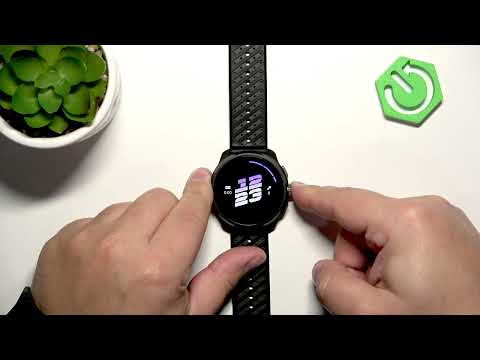 SUUNTO Race 3S – How to Change LanguageHardReset.Info · Wed, 04 Nov 2026
 SUUNTO Race 3S – How to Change Watch FaceHardReset.Info · Wed, 04 Nov 2026
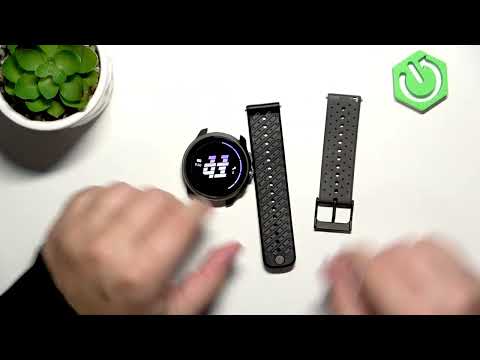 SUUNTO Race 3S – How to Change StrapsHardReset.Info · Wed, 04 Nov 2026