Amazfit GTS 2 Mini: Turn On and Customize Always On Display! [Set UP]
Fix369 ·
Do you need help to set up and customize Always on Display on your Xiaomi Amazfit GTS 2 Mini Smartwatch? In this video, we will show you how to enable the secret default AOD feature on the Amazfit GTS 2 Mini and use custom watch faces or colors according to your choice. 0:00 Always ON Display 0:14 Setup screen off Watch Face 0:33 Enable Always on Display
More GTS 2 Mini videos
 How to Pair AMAZFIT GTS 2 Mini with Android Phone Get Bluetooth Connected synced editedAlba3D Mobile Solutions · Wed, 24 Jun 2026
 Amazfit GTS 2 Mini After 5 Years – Still Worth It in 2025?NSR Adventures · Sat, 20 Sep 2025
 Fixed: Notifications not Showing on Amazfit GTS 2 Mini!Fix369 · Tue, 01 Oct 2024
 Amazfit GTS 2 Mini Not Responding or Black screen? Fixed Won’t Turn on Issue!Fix369 · Fri, 20 Sep 2024
 Amazfit GTS 2 Mini Pairing with Zepp App! [iOS & Android]Fix369 · Fri, 20 Sep 2024
 How To Activate ALEXA on Amazfit GTS 2 Mini! [Setup]Fix369 · Fri, 20 Sep 2024
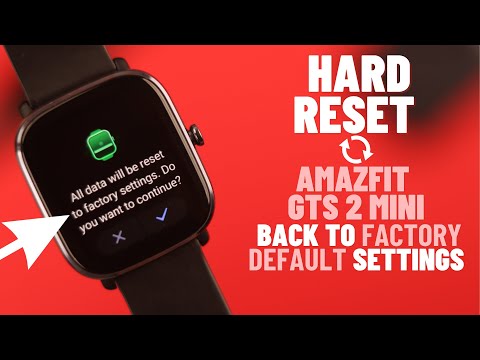 How to Hard Reset Amazfit GTS 2 Mini! [Back Factory Settings]Fix369 · Fri, 20 Sep 2024
 Amazfit GTS 2 Mini - O MELHOR CUSTO/BENEFÍCIO EM 2024?DandanTech · Fri, 20 Sep 2024