Amazfit GTS 2 Mini Not Responding or Black screen? Fixed Won’t Turn on Issue!
Fix369 ·
Your Xiaomi Amazfit GTS 2 Mini refusing to turn on and is stuck on the black screen? Amazfit Touch screen stopped responding at all, making you frustrated? Fret not, we got you covered. In this video, we will show you 3 simple and straightforward solutions to fix the unresponsive Amazfit black screen problem, so you can Power it ON and start using it. 0:00 Amazfit GTS 2 Mini Not Responding/ Stuck on Black screen? 0:18 Solution 1: Check Battery/ Charge 0:47 Solution 2: Force Restart 1:02 Solution 3: Unpair Amazfit 1:24 If nothing else works
More GTS 2 Mini videos
 How to Pair AMAZFIT GTS 2 Mini with Android Phone Get Bluetooth Connected synced editedAlba3D Mobile Solutions · Wed, 24 Jun 2026
 Amazfit GTS 2 Mini After 5 Years – Still Worth It in 2025?NSR Adventures · Sat, 20 Sep 2025
 Fixed: Notifications not Showing on Amazfit GTS 2 Mini!Fix369 · Tue, 01 Oct 2024
 Amazfit GTS 2 Mini Pairing with Zepp App! [iOS & Android]Fix369 · Fri, 20 Sep 2024
 How To Activate ALEXA on Amazfit GTS 2 Mini! [Setup]Fix369 · Fri, 20 Sep 2024
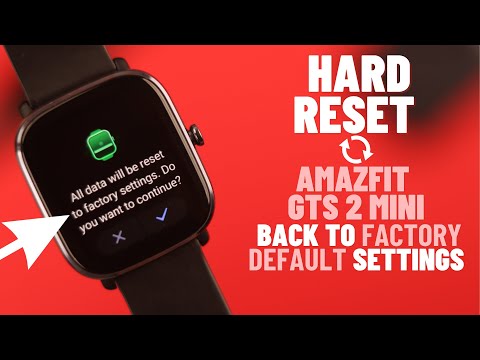 How to Hard Reset Amazfit GTS 2 Mini! [Back Factory Settings]Fix369 · Fri, 20 Sep 2024
 Amazfit GTS 2 Mini - O MELHOR CUSTO/BENEFÍCIO EM 2024?DandanTech · Fri, 20 Sep 2024
 Amazfit GTS 2 Mini: Turn On and Customize Always On Display! [Set UP]Fix369 · Fri, 20 Sep 2024