GARMIN Forerunner 70 - How to Turn On Body Battery Tracking
HardReset.Info ·
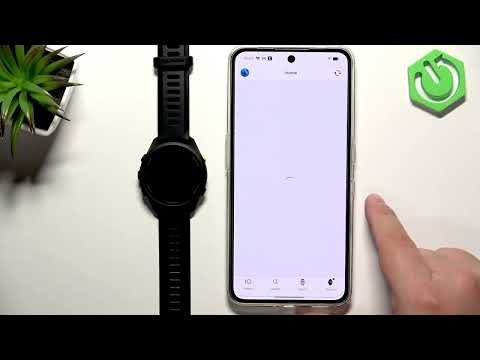
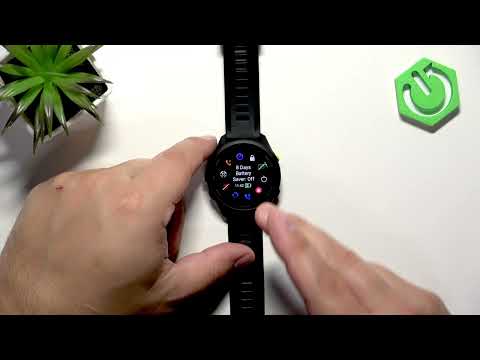
In this video I show how to turn on Body Battery tracking on the GARMIN Forerunner 70, add the Body Battery widget, view the charts, and sync data with the Garmin Connect app. You will learn how to add the Body Battery lens (widget) by editing your watch face, where to find the measurement and charts, simple tips to improve accuracy such as wearing the watch all day and during sleep, keeping wrist heart rate enabled, and wearing the watch snugly above your wrist bone. I also demonstrate how to sync the watch with Garmin Connect so you can see trends and additional insights on your phone. How to enable Body Battery on GARMIN Forerunner 70? How to add the Body Battery widget on GARMIN Forerunner 70? How to sync GARMIN Forerunner 70 with Garmin Connect to view Body Battery data? 0:00 Introduction 0:06 Add the Body Battery lens (slide down → Edit → Add) 0:30 Open Body Battery measurement and view charts 0:50 Tips for accurate Body Battery tracking (wear all day, enable wrist heart rate, snug fit) 1:14 How to sync with Garmin Connect (middle left button → Sync → Start) 1:33 Outro and final tips Use Reset Guides for many popular Apps ►
More Forerunner 70 / 170 videos
 ⌚ Garmin Forerunner 170 Review 🔥Siva Bharani Udaya Selvan · Fri, 23 Oct 2026
 I Tried the Garmin Forerunner 70… and It Changed How I Train!LUXMERIX · Tue, 20 Oct 2026
 Garmin Vivoactive 6 vs Garmin Forerunner 70 — Specs, Features & VerdictDevice Compare · Mon, 28 Sep 2026
 Garmin Forerunner 170 Features That Can Save Your LifefoXnoMad · Tue, 22 Sep 2026
 Garmin Forerunner 170 vs Apple Watch Series 11 – Which Fitness Smartwatch Is Better in 2026?OASTHAR · Sun, 06 Sep 2026
 GARMIN Forerunner 70 - How to Set a Custom Watch FaceHardReset.Info · Fri, 28 Aug 2026
 How to Enable and Disable Power Saving Mode on GARMIN Forerunner 70HardReset.Info · Tue, 25 Aug 2026
 GARMIN Forerunner 70 - How to Sync with the Garmin Connect AppHardReset.Info · Tue, 25 Aug 2026