WAHOO Elemnt Roam 3 – How to Check Free Memory Space
HardReset_Pro ·
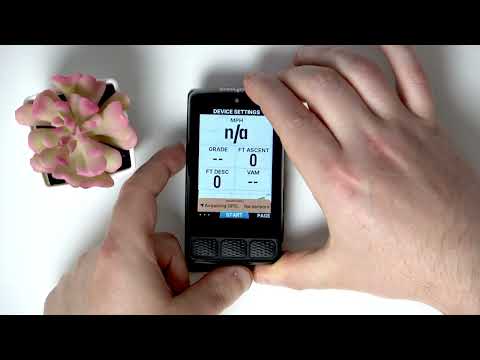
If you want to know how much free memory space is available on your WAHOO Elemnt Roam 3 cycling computer, this video will show you the simple steps to check your device’s storage. We’ll walk you through opening the settings, navigating to device info, and finding the available memory space left on your WAHOO Elemnt Roam 3. This is helpful if you need to manage your routes, maps, or data and want to make sure you have enough storage for your next ride. Learn how to quickly check free memory space and keep your WAHOO Elemnt Roam 3 running smoothly. How to check free memory space on WAHOO Elemnt Roam 3? How to find available storage on WAHOO Elemnt Roam 3 cycling computer? Where is device info and memory status on WAHOO Elemnt Roam 3? 0:00 Introduction 0:06 Open settings on WAHOO Elemnt Roam 3 0:12 Navigate to device info 0:26 Check free memory space 0:35 Outro
More ELEMNT ROAM 3 videos
 Which Bike Computer Is Best? Garmin Edge 850 & Wahoo Elemnt Roam 3 TESTED!BikeRadar · Sat, 23 May 2026
 Wahoo ELEMNT ROAM 3 - the iPhone of GPS devicesMozosBike · Tue, 18 Nov 2025
 WAHOO Elemnt Roam 3 – How to Adjust Screen BacklightHardReset_Pro · Mon, 03 Nov 2025
 WAHOO Elemnt Roam 3 – How to Turn On Custom Alert SoundsHardReset_Pro · Mon, 13 Oct 2025
 Wahoo ELEMNT ROAM 3 vs. BOLT 3 vs. ACE | Which bike computer is right for you?BIKE24 · Fri, 26 Sep 2025
 WAHOO Elemnt Roam 3 – How to Lock Touch ScreenHardReset_Pro · Fri, 26 Sep 2025
 WAHOO Elemnt Roam 3 – How to Select Dark Mode or Light ModeHardReset_Pro · Tue, 23 Sep 2025
 Wahoo ELEMNT ROAM 3 / BOLT 3 / RADAR First Look! What’s New?DesFit · Sat, 20 Sep 2025