How to Download Additional Watch Faces on AMAZFIT GTR 2E
HardReset.Info ·
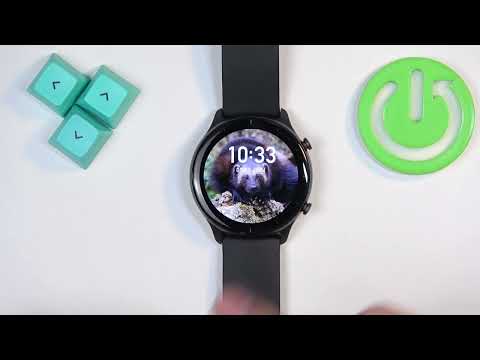
Downloading additional watch faces on your AMAZFIT GTR 2E allows you to customize the look and feel of your smartwatch according to your style and preferences. With a variety of watch face designs available, you can choose something perfect for you. Changing your watch face adds a personal touch and enhances your overall user experience by giving your smartwatch a fresh and unique appearance. How to Install New Watch Faces on AMAZFIT GTR 2E? How to Get More Watch Faces on AMAZFIT GTR 2E? How to Add Custom Watch Faces to AMAZFIT GTR 2E?
More GTR 2e videos
 Amazfit GTR 2E: How to Adjust Screen Brightness | Customize Display Brightness on Amazfit GTR 2EHardReset.Info · Fri, 08 Nov 2024
 Amazfit GTR 2E: How to Turn Off | Power Down Your Amazfit GTR 2EHardReset.Info · Tue, 05 Nov 2024
 Amazfit GTR 2E: How to Change Straps | Swap Out Straps on Your Amazfit GTR 2EHardReset.Info · Tue, 05 Nov 2024
 How to Enable Android Phone Notifications on AMAZFIT GTR 2EHardReset.Info · Tue, 05 Nov 2024
 How to Set Image As Watch Face on AMAZFIT GTR 2EHardReset.Info · Wed, 30 Oct 2024
 How to Pair AMAZFIT GTR 2E with iPhoneHardReset.Info · Sat, 05 Oct 2024
 How to Change Language on AMAZFIT GTR 2EHardReset.Info · Wed, 02 Oct 2024
 Amazfit GTR 2E: How to Change Screen Timeout Duration | Adjust Display Settings on Amazfit GTR 2EHardReset.Info · Wed, 02 Oct 2024