Garmin Vivoactive 4 | Complete Features and User Guide
Flicky Facts ·
Garmin VIVOACTIVE 4 | User Guide & Features Breakdown! Unlock the full potential of your Garmin Vivoactive 4 with this complete features and user guide. In this step-by-step tutorial, we’ll walk you through how to set up, use, and get the most out of your smartwatch. Whether you’re a fitness enthusiast, health tracker, or someone new to Garmin devices, this video will give you a clear understanding of its functions and hidden tips. From heart rate monitoring to advanced GPS tracking, music storage, workout animations, and health insights — this guide covers everything you need to know about the Garmin Vivoactive 4. Perfect for both beginners and experienced users, this user-friendly walkthrough will help you master your smartwatch in no time. 1.3” Sunlight-readable display with Corning® Gorilla® Glass Built-in GPS, GLONASS & Galileo support Heart rate & Pulse Ox sensor for advanced health monitoring Body Battery™ energy monitoring & stress tracking Preloaded workouts with on-screen animations Garmin Pay™ for contactless payments Up to 8 days of battery life in smartwatch mode If you’re searching for how to use the Garmin Vivoactive 4, this guide will make your experience smooth and easy. 📩 For further questions or professional support, feel free to leave a comment or connect via our community. How to Use: Garmin Vivoactive 4 | Complete Features and User Guide
More vivoactive videos
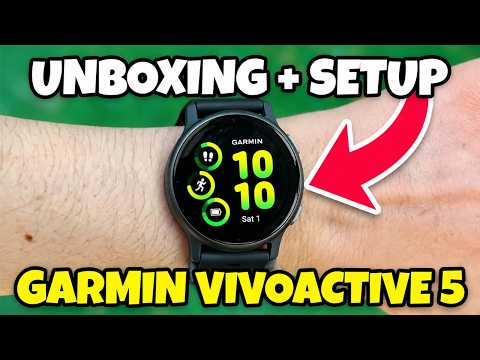 How to Set-Up Garmin Vivoactive 5 - Unboxing, Pair and App SetupTutorialy · Mon, 26 Oct 2026
 How to Pair Garmin Vivoactive 5 with iPhone (Sync Garmin Connect)Tutorialy · Mon, 26 Oct 2026
 Garmin Vivoactive 5 vs Forerunner 55 Which Should You BuyReal Life Reviews by Aiva · Fri, 18 Sep 2026
 Garmin Venu 4 vs Garmin Vivoactive 6 – Which Garmin Smartwatch Is Better in 2026?Which is Better · Wed, 09 Sep 2026
 Garmin Vivoactive 6 Review | 1 Month And 100 Miles Later...Austin Reviews · Sun, 06 Sep 2026
 Galaxy Watch 9 vs Garmin Vivoactive 6 – Don't Buy the WRONG Fitness Watch!Which is Better · Mon, 17 Aug 2026
 Apple Watch SE 3 Vs Garmin Vivoactive 6 | Watch This Before Buying!How To Thomas · Thu, 13 Aug 2026
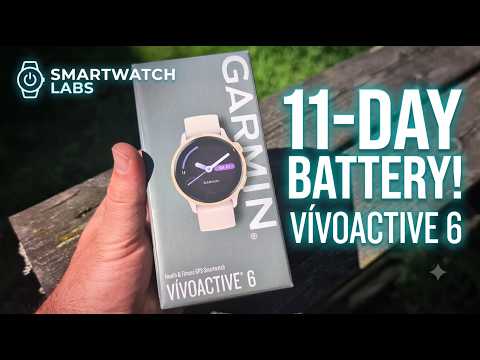 Garmin Vivoactive 6 Unboxing & First Impressions (Bone & Lunar Gold)Smartwatch Labs · Tue, 28 Jul 2026