Suunto Race 2 Tutorial: Display Your OS Grid Reference
GPS Training ·
If you're a walker, hiker or outdoor enthusiast in the UK, one of the most useful features on your Suunto watch is the ability to display your location as an Ordnance Survey grid reference. The problem is that many GPS watches are set up by default to display latitude and longitude coordinates. While these work perfectly well, most UK walkers, mountain rescue teams and paper map users prefer to work with OS grid references. ✅ How to display an Ordnance Survey grid reference on your Suunto watch ✅ How to quickly access your current location when out on the hills ✅ How to provide an accurate location in an emergency ✅ Why every UK walker should know how to find their grid reference Although this demonstration uses the Suunto Race 2, the same principles apply to many Suunto watches, including the Race, Race S, Vertical and other recent models.
More Suunto Race 2 videos
 Suunto Run 2 Vs Suunto Race 2 Vs Suunto Race 3S Which One Should You Buy?SUK TV · Wed, 21 Oct 2026
 COROS PACE 4 Pro vs Suunto Race 2 — Which Running Watch is Better?SmartWatchRadar · Fri, 25 Sep 2026
 Suunto Race 2 VS Coros Apex 4 VS Garmin Forerunner 265 VS 965 (Comparison 2026) | Which to BuyVersus Lab · Sun, 20 Sep 2026
 Suunto Run 2 vs Suunto Race 2 – Which Should You Buy?SmartWatchRadar · Thu, 10 Sep 2026
 Google Pixel Watch 5 VS Suunto Race 2SmartTech Radar · Fri, 04 Sep 2026
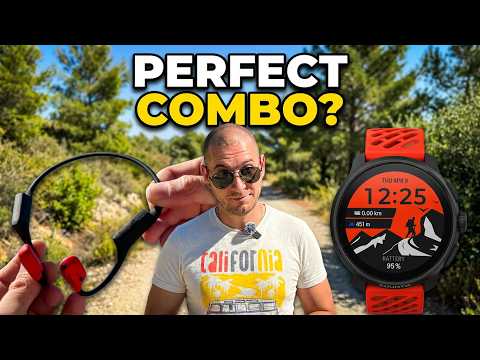 Suunto Wing 2 & Suunto Race 2 - The Perfect Adventure Combo!Redskull · Thu, 21 May 2026
 Suunto Race 2 In-Depth Review (Watch Before You Buy!)Jake Does Stuff · Tue, 21 Apr 2026
 Suunto Race 2 Smart Watch | Features & Setup | Complete Buying & User GuideGadgeto Lab · Wed, 25 Mar 2026