Descent X10 Rental Mode | Beyond the Basics
Garmin Training
Join us as we take a closer look at the Descent™ X10 essential dive computer Rental Mode feature. Rental mode provides a streamlined experience for new and infrequent divers while allowing dive shops to quickly and easily swap a device from one student to another. 0:11 What is Rental Mode and Who is it for? 0:38 Helpful settings for Dive Shops 2:00 Entering & Configuring Rental Mode 3:09 Rental Mode Setup 4:05 Allowed Dive Settings 4:34 Device Usage 4:58 Shop Customization 6:29 Dive Setup 7:04 Transfer Settings to Other Rental Devices 8:35 Renting the Device 9:17 What the Renter Sees 11:50 Ending the Rental 12:57 Standard Mode 14:57 Dive Log Sharing 16:17 Exiting Rental Mode 17:24 Wrap Up
More Descent X10 videos
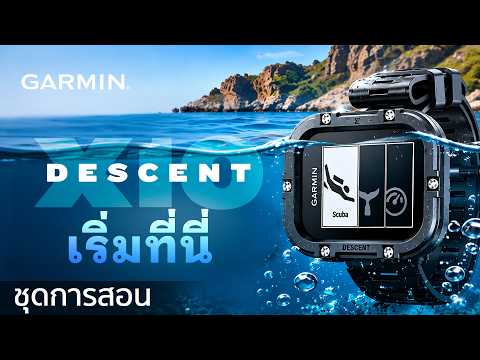 บทช่วยสอน - Descent X10: วิธีการตั้งค่าและการใช้งาน|เริ่มต้นการใช้งานGarmin Thailand · Wed, 25 Nov 2026
 Garmin Descent X10 vs Descent G2: Which Dive Watch Comes Out Ahead?Origyn · Mon, 23 Nov 2026
 [Tutorial] Descent X10: Getting Started Guide | From Initial Setup to Basic OperationsGarmin Japan · Mon, 23 Nov 2026
 【教學】Descent X10|Garmin潛水入門新選擇!亮點與新功能一次看Garmin Taiwan · Tue, 10 Nov 2026
 Garmin Descent X10 | How to Use Rental Mode | Garmin SupportGarmin Support · Fri, 06 Nov 2026
 Begin Your Dive Journey with Descent X10 | GarminGarmin
 Descent X10 | Essential Dive ComputerGarmin Training
 Descent X10 | Beyond the BasicsGarmin Training